
Exploring Bencho: Interactive UI Component Inspiration

The Concept of Live Interactive Blocks
Modern frontend design often suffers from a noticeable disconnect between static mockups and live user interactions. The emergence of specialized component catalogs addresses this gap by presenting functional elements that run directly in the browser. A notable example highlighted across developer channels is Bencho, built by Lorenzo Cabra and accessible via the Bencho official platform. Rather than presenting flat graphic assets, the platform curates a collection of interactive UI blocks designed for immediate exploration, tuning, and integration into web projects.
The platform gained wider visibility following a community discussion on X, where creators and engineers compared its browsing interface to a Pinterest-style board focused entirely on live user interface components. The defining premise is that every featured element remains fully operational rather than mocked up, allowing builders to test physics, state transitions, and responsive behavior in real time before touching their own codebases.
Documented Component Patterns
A review of the available catalog reveals a broad spectrum of focused interface modules, ranging from micro-interactions to complex input controls. The landing page categorizes and displays varied functional patterns, including:
- Selection and Navigation: Experimental navigational controls such as
Magnetic select,Canvas toolbar,Radial menu, and a fluidMagnifying dock. - Dynamic Inputs and Sliders: Tactile input widgets such as
Drag stepper,Slosh slider,Wheel, andRange dial. - Confirmation and Status Controls: Intentional interaction patterns like
Slide to confirm,Inline confirm,Escape button, and notification prompts. - Information and Media Display: Structured layouts including
Carousel,Tilt card,Progress ticks, and dynamicNow playingcards. - Productivity and Organization: Interactive task widgets such as
Reorder list,Todo tower,Checklist, and custom assignee pickers.
These elements demonstrate a shift toward tangible, physics-informed interactions that prioritize immediate visual feedback.
Evolving Approaches to Interface Construction
For developers and designers, the value of a live component showcase lies in reducing the friction of the initial prototyping phase. As noted in developer commentary, moving from generating raw interface code to selecting from an established system of interactive parts creates reliable guardrails.
When engineering teams build complex applications, relying solely on text-based prompts or unverified generative code can result in inconsistent styling and fragmented interactions. A curated catalog of live UI blocks provides a concrete visual baseline. Designers can evaluate how an element behaves under direct cursor manipulation, while developers can assess the logic required to reproduce or incorporate that specific behavior.
Scope, Verification, and Technical Considerations
While the live presentation offers immediate visual value, adopting external UI blocks into production code requires careful technical diligence. The official landing page states that new blocks arrive weekly and links to privacy and licensing pages, but technical specifications regarding framework compatibility (such as React, Vue, or Svelte) are not documented on the main page.
Engineering teams evaluating these blocks should consider several implementation factors:
- Framework Dependencies: Determine whether the blocks rely on specific runtime libraries, CSS utilities, or vanilla web technologies before attempting integration.
- Licensing Terms: Review the official licensing agreement on the platform to ensure commercial compatibility for client or enterprise applications.
- Accessibility and Performance: Inspect keyboard navigation, ARIA attributes, and runtime performance to ensure that physics-driven animations do not impair usability.
Evaluating these factors ensures that adopting creative UI blocks elevates user experience without introducing unexpected architectural debt.
Related Articles
View all articles →
Deterministic Generative UI Architecture: Constraining AI to Enterprise Design Systems with Next.js and shadcn/ui
How to architect deterministic generative UI that respects enterprise brand governance: binding LLM outputs to validated Zod schemas, streaming React Server Components in Next.js 16, and handling bidirectional RTL layouts.

Playwright MCP and Autonomous Browser Agents: Building Resilient, Deterministic QA Pipelines in 2026
An authoritative engineering guide to Playwright MCP: leveraging accessibility trees (AXTree) for deterministic UI testing, sandboxing test runners, and converting exploratory AI agent sessions into robust TypeScript regression suites.
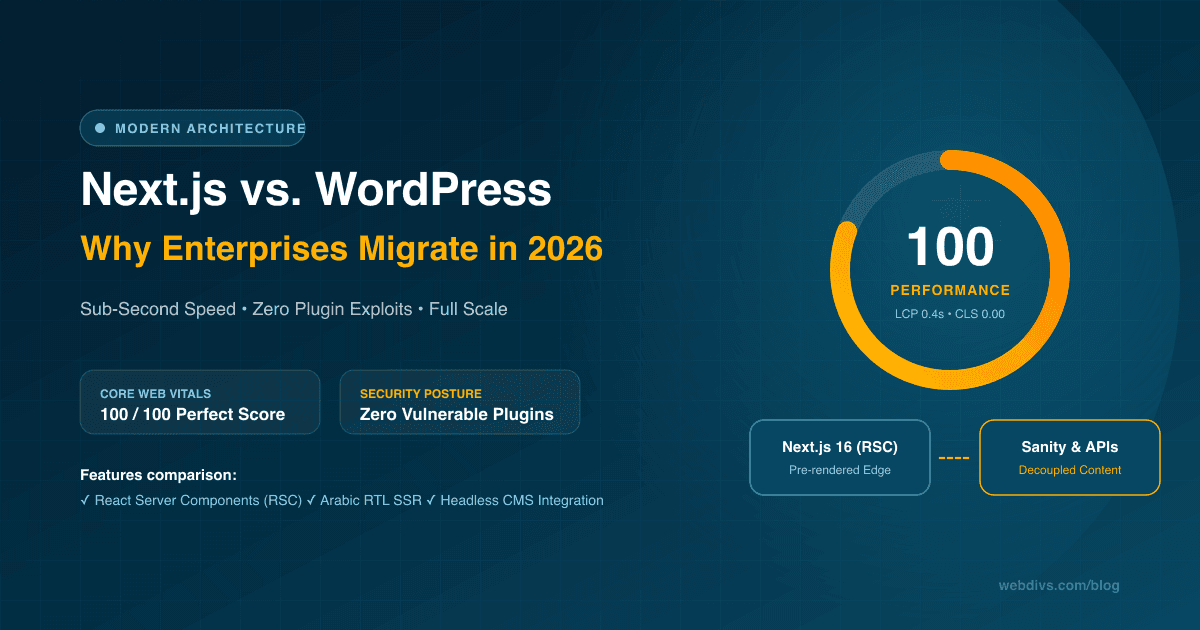
Why Modern Enterprises Choose Next.js Over WordPress in 2026
An architectural deep dive comparing Next.js and WordPress in 2026: Core Web Vitals optimization, zero-plugin security, bilingual Arabic/English performance, and enterprise maintenance costs.
Want this for your product?
Send a short note about your project. We will review it and explain the next useful step.
Contact Our Team