
Playwright MCP in Plain English: Let AI Browse and Test Without Breaking QA
Short answer: Playwright MCP is an official tool server from the Playwright project. It lets an AI assistant open a real browser, read a clean accessibility snapshot, click and type, then check the result. Your Playwright tests stay the source of truth. The agent is another way to drive the same automation—not a replacement for CI.
Why most “AI opens Chrome” demos fail
Product teams in Egypt and across MENA hear the same pitch every month: AI will open Chrome and test the site for you. The demo looks smooth. Then someone points the agent at a real bilingual checkout and everything falls apart. The model pastes a huge HTML dump into its context, guesses CSS selectors, and breaks when a designer changes a class name. You get a video, not a regression gate your release manager can trust.
That failure mode is expensive. Engineers spend evenings babysitting flaky selectors. QA cannot tell whether a red build means a real product bug or an agent hallucination. Stakeholders lose trust in automation and go back to manual clicking before every release.
What Playwright MCP actually is
Playwright MCP exists to fix that gap. According to Playwright’s own documentation, you add a short MCP config to Cursor, VS Code, Claude Desktop, or another MCP client. The client runs a command such as npx @playwright/mcp@latest on a recent Node.js version. You do not need a special vision model for the main loop. The agent works from structured page data, not from guessing pixels.
Think of MCP as a USB port for tools. Your coding assistant plugs into Playwright. After each step, the server returns an accessibility tree: headings, buttons, text boxes, and short refs like e5. The model says click e5 instead of inventing a fragile CSS path. That is much closer to how solid Playwright tests already work when humans write them carefully.
Common tools cover navigate, snapshot, click, type, fill forms, screenshots, tabs, and dialogs. Headed mode is the default so you can watch the browser. Pass a headless flag when you want quiet overnight runs. You can choose Chrome, Firefox, WebKit, or Edge depending on what you need to verify.
Useful extras from the docs include saving and restoring login state (cookies and storage), mocking network routes when a payment provider is down, reading console errors, and connecting to a browser that is already open. CDP mode and the Playwright browser extension help when SSO or two-factor login makes a fresh session painful every time.
A simple plan you can start this week
- Keep your current Playwright suite as the release gate. Do not delete Cypress or Selenium on day one.
- Enable MCP only on trusted laptops or a locked staging machine. Block production URLs in config.
- Pick three smoke flows: login, Arabic RTL cart, and a payment redirect stub.
- Ask the agent to explore staging and draft tests. Humans review every pull request before merge.
- Log every tool call. Treat the agent like a CI runner with powerful permissions.
Write the allowed base URLs in the repository README. If the agent tries to open anything else, fail closed. Create a dedicated test tenant so agent runs do not collide with humans clicking around the same staging data.
Tips that reduce flaky agent runs
Give buttons and fields clear accessible names. Screen readers and MCP snapshots both benefit. Add data-testid on critical controls so marketing copy can change without breaking automation. Prefer roles and labels over deep CSS chains whenever you can.
Separate explore from gate. Let the agent wander on staging. Only promoted Playwright files should fail the pipeline. If the agent writes a messy test, rewrite it once by hand and keep the clean version in the repo. Over time your suite stays readable and the agent stays a drafting helper.
For Arabic and RTL, ask the agent to open the Arabic locale and snapshot the cart and checkout. Missing translations and broken alignment show up early—without buying a full visual-AI product. Add at least one RTL smoke path to CI so Arabic regressions cannot sneak in unnoticed.
When login is hard, reuse a saved storage state or the browser extension instead of automating the full identity flow every session. That alone saves hours on enterprise apps with SSO. Store those state files securely and rotate them when passwords change.
A realistic day-one workflow
Morning: a developer connects MCP in Cursor and asks the agent to open staging, log in with a test user, and confirm the dashboard heading. Midday: the agent drafts a Playwright test file from that path. Afternoon: the developer cleans selectors, commits, and lets CI run the suite as usual. Nothing magical—just faster drafting with the same gate you already trust.
Week two: add the Arabic cart smoke path. Week three: add a failing-payment stub so you can test error UI without charging a card. Keep a written list of URLs the agent is allowed to open. Anything outside that list should fail closed. Share a short loom or notes so the next developer can repeat the setup without tribal knowledge.
Common mistakes to avoid
The first mistake is pointing the agent at production just to see what happens. That risks real data and real side effects. The second mistake is asking for full site coverage in one prompt. Agents do better with small goals. The third mistake is merging agent-written tests without reading them. A green local run is not enough—someone should check waiting strategies and selectors.
Another frequent issue is shared staging data. If five agents create the same user email, tests collide. Use unique suffixes or disposable accounts. Reset or seed staging on a schedule so smoke paths stay predictable. Finally, teams forget network allowlists. If the agent can reach payroll or customer-support admin tools from the same browser profile, you have widened the blast radius.
Risks you should take seriously
A browser agent can submit forms, change settings, and touch personal data. Scope secrets to staging. Rotate keys if a laptop with MCP access is lost. Never paste real customer PII into prompts. If your MCP client exposes a run-arbitrary-code tool, leave it off except on locked machines.
Also watch cost and time. Agent loops that snapshot after every tiny step can burn tokens. Prefer short goals: complete login and assert the dashboard heading beats test the whole website. Set a soft time box per agent session so overnight runs cannot spin forever.
How this fits a MENA product org
Most teams here ship English and Arabic together. QA time is limited. An agent that can open the Arabic build, walk a smoke path, and draft a failing test is useful even before you invest in large visual models. Pair it with human review and your existing CI. That combination is boring—and boring is how releases stay safe.
Agencies and in-house teams should also share staging credentials carefully. Create a dedicated test tenant. Do not reuse founder accounts. Document who has MCP enabled the same way you document who has production SSH. Review that list quarterly.
Checklist before you call the pilot done
- Staging-only base URL documented in the repo README.
- At least one Arabic RTL smoke path in CI.
- PR template asks whether a test was agent-drafted so reviewers look closer.
- Secrets live in env files that never get pasted into chat prompts.
- A monthly review of flaky tests—agent or human—so the suite stays trusted.
If you can tick those boxes, Playwright MCP becomes a drafting accelerator, not a liability. That is the bar we recommend before rolling it out beyond one pilot squad.
When to call Webdivs
Webdivs builds bilingual Next.js products with Playwright harnesses. We can help wire a safe staging MCP setup, choose the first three smoke flows, and review agent-written tests before they hit main. Reach us at webdivs.com/contact when you want that done with clear ownership—not a black-box bot on production.
Frequently Asked Questions
Quick answers about this topic
No. Start where Playwright exists, or migrate critical paths slowly.
The official loop uses accessibility snapshots. Screenshots are optional.
We advise against it. Use staging, allowlists, and least privilege.
One staging smoke flow drafted by the agent and cleaned by a human in a PR.
Related Articles
View all articles →
Generative UI Without Chaos: Stick to Your Design System, Not Random HTML
Why agent-built screens should emit JSON against your components—plus a rollout checklist and RTL tips for MENA teams.
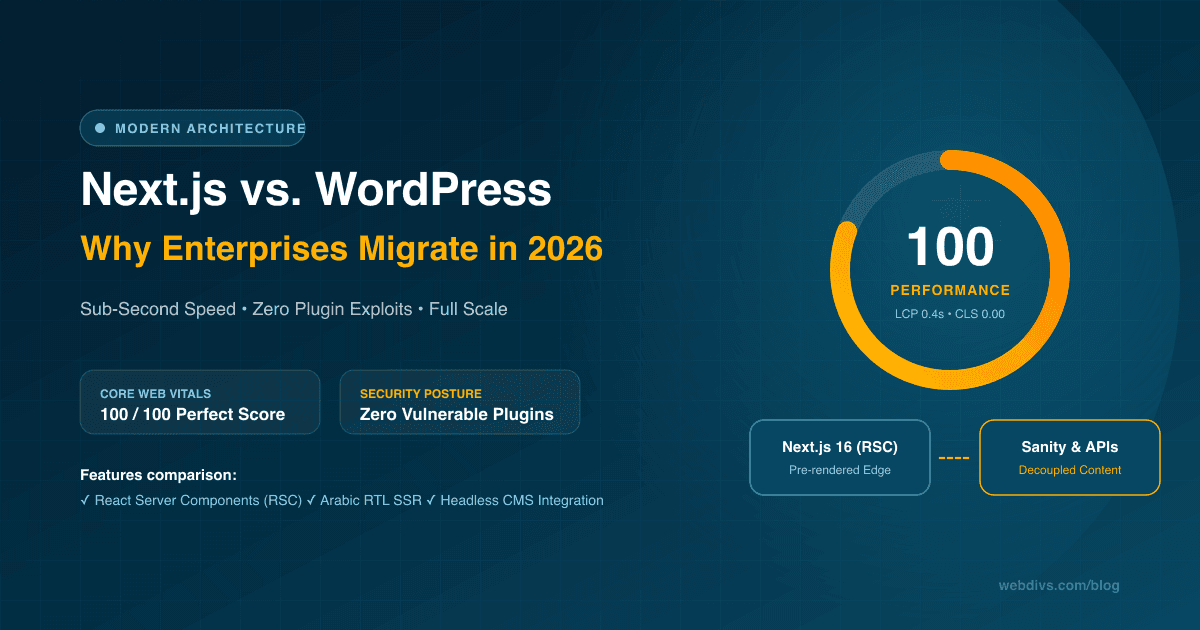
Why Modern Enterprises Choose Next.js Over WordPress in 2026
An architectural deep dive comparing Next.js and WordPress in 2026: Core Web Vitals optimization, zero-plugin security, bilingual Arabic/English performance, and enterprise maintenance costs.
Want this for your product?
Send a short note about your project. We will review it and explain the next useful step.
Contact Our Team