
Paperclip Guide: Orchestrating Multi-Agent Coding Workflows
What Is Paperclip and Who Benefits Most?
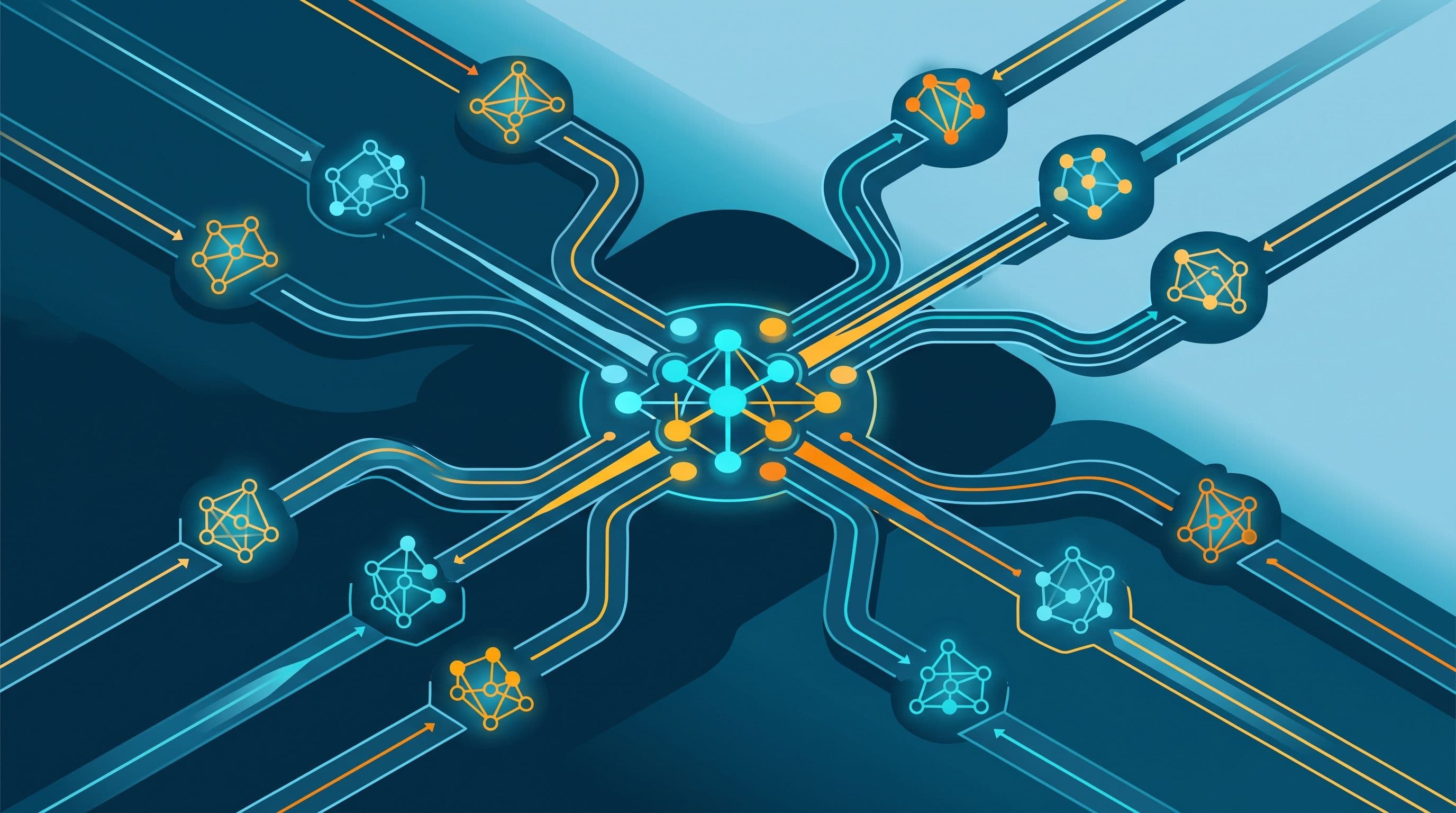
Paperclip is an open-source, self-hosted web tool designed to help developers coordinate multiple autonomous AI coding agents from a single control point. When teams run standalone tools such as Claude Code, Codex, Hermes, or OpenClaw, tracking what each agent is executing across separate terminal windows quickly becomes cumbersome. Paperclip addresses this by providing a unified workspace to dispatch tasks, monitor progress, and review approval history.
The project is licensed under the MIT License and built with TypeScript and Node.js. As detailed in the OpenAlternative Paperclip profile, the software supports self-hosted deployment on personal workstations or dedicated servers. Instead of checking scattered command-line sessions, teams receive a centralized dashboard to track assignments, enforce budgets, and inspect logs step by step.
How Paperclip Structures Agent Teams
Paperclip organizes workspaces around company tenant entities. According to the Paperclip Companies API documentation, every agent, project, task, and cost record is scoped to a specific company. The API defines operational statuses for the company entity itself, including active, paused, or archived. While this boundary programmatically links assets to a particular organization, the documentation does not offer an absolute security guarantee that project files or client data can never mix or leak across contexts.
Within a company, agents operate under defined roles and receive specific assignments. Agents interact through designated tasks rather than unstructured chat sessions. This design keeps interaction focused on explicit objectives, though it does not guarantee token savings or reduced operating costs. When an agent completes a task, it attaches work output as an artifact—such as code edits or audit reports—for human or peer review.
The platform also provides scheduled routines that run at predetermined times. As shown in the Paperclip video walkthrough, teams can configure a routine for automated agent standups, where agents summarize completed tasks and flag open questions before starting the next work cycle.
Setup and Getting Started
Documentation indicates that Paperclip supports macOS, Linux, and Windows WSL2 environments, as well as deployment on dedicated servers.
To install and initialize the server locally, project instructions documented on the Paperclip project page on Olud.ai specify the following command-line steps:
- Install the platform package directly:
curl -fsSL https://paperclip.ing/install.sh | bash -s -- --no-prompt --no-onboard
- Run initial onboarding using the companion CLI tool:
paperclipai onboard --yes
- Add model API keys by navigating to Settings and then Secrets within the dashboard interface.
Operational Realities and Practical Limits
Coordinating multiple agents under an orchestration layer introduces distinct operational considerations documented in the sources:
- Execution timeouts: The video walkthrough demonstrated that an agent encountered execution timeouts when attempting to scan a codebase. Broad repository operations can exceed processing limits, requiring operators to monitor tasks or narrow the scan scope.
- Exporting organizational state: Paperclip allows administrators to export the entire organization structure, including agents, routines, tasks, and attachments, for transfer to another instance. Operators must verify that sensitive credentials or unvetted private code are not stored in task attachments before exporting.
Suggested Scenario: Human-Guided Recovery from Agent Timeouts
This suggested scenario outlines a practical, human-driven workflow for managing large audit tasks and handling stalled executions without assuming unverified platform automation:
- Step 1: A developer or coordinator assigns a repository dependency inspection to an analysis agent.
- Step 2: The agent encounters a timeout during execution on a large folder tree and stops responding, matching the behavior observed in the video walkthrough.
- Step 3: The human operator reviews the failed task and inspects execution logs directly to identify where the scan stalled, rather than relying on automatic task routing.
- Step 4: The operator manually divides the scan into smaller directory-level sub-tasks, tests a single path first, and inspects the output before running remaining scans.
Choosing Between Paperclip and Direct CLI Execution
Deciding whether to deploy Paperclip depends on operational scale and team structure:
- Choose Paperclip: When orchestrating several AI agents running simultaneously that require structured task delegation, centralized budget tracking, and an auditable activity history.
- Stick with direct CLI tools: When working individually on focused tasks with a single assistant like Claude Code or Codex, where maintaining an orchestration server adds overhead without substantial coordination benefits.
Related Articles
View all articles →
AI Agent Harnesses: Runtime Sandboxing and Skill Security Controls
A practical guide to AI agent frameworks like DeerFlow, covering runtime container configuration, skill security checks, and factual evaluation of open-source tools.

Open-Source Guardrails for Guiding AI Coding Agents and Managing Token Usage
A practical developer guide exploring open-source tools designed to guide AI coding agents, clean up repetitive code patterns, and better structure token usage.

7 Open-Source macOS Apps to Elevate Productivity and System Control
An editorial deep dive into seven open-source macOS tools for window management, screen recording, and hardware tuning, complete with workflows and compatibility notes.
Want this for your product?
Send a short note about your project. We will review it and explain the next useful step.
Contact Our Team