
Getting Started with DeerFlow: Setup Wizard, Docker, and Practical Workflows
A practical guide to configuring DeerFlow, setting up model providers, running exact Docker commands, verifying startup, and executing document comparisons.

What DeerFlow Does and How It Works
The DeerFlow project is an open-source framework for orchestrating autonomous AI agents. Rather than acting as a simple conversational chatbot, DeerFlow coordinates multi-step tasks across lead agents, specialized sub-agents, memory systems, and sandboxed environments, powered by extensible skills.
In practice, the system handles complex objectives by delegating work. The lead agent defines a plan and assigns discrete tasks—such as reading files, querying data, or running code—to sub-agents. This separation keeps context clean, avoids data overload, and allows agents to complete technical workflows systematically.
Model Provider Configuration and Credentials
DeerFlow does not bundle language models; it operates as an orchestration engine that connects to an external model provider. You can connect hosted API services or OpenAI-compatible local models running on your own machine.
Using the framework does not require a paid cloud subscription, as compatible local inference servers work without remote keys. Authentication credentials and endpoints reside in .env, while model definitions and operational routing are configured in config.yaml.
The Setup Wizard: Step-by-Step Configuration
To simplify configuration, the repository includes an interactive setup wizard. As outlined in the DeerFlow Quick Start, start by cloning the repository and running the wizard:
git clone https://github.com/bytedance/deer-flow.git
cd deer-flow
make setup
The make setup command guides you through initial choices:
- Choosing a model provider and saving credentials to
.env. - Enabling optional web search or skipping it for later.
- Setting security preferences, such as sandbox mode, bash access, and file-writing tools.
- Generating a baseline
config.yamlfile.
To bypass the wizard and edit configurations manually, run:
make configDocker Prerequisites and Exact Documented Make Commands
Running DeerFlow in containers requires Docker Desktop or Docker Engine alongside Docker Compose v2.24+ (checked via docker compose version). Older Compose versions cannot parse the optional env_file parameters in development compose files.
The documentation specifies these make commands for container management:
make docker-init
make docker-start
make docker-logs
These commands serve distinct operational roles:
make docker-init: Pulls base sandbox images from the registry; run once during setup or image updates.make docker-start: Starts containers, auto-detects sandbox mode fromconfig.yaml, and bootsprovisioneronly if provisioner mode is configured.make docker-logs: Streams live logs to monitor activity and catch runtime issues.
Expected Localhost Route and Verifying the Startup Address
When containers start, inspect the actual startup output and active configuration to verify listening addresses, as service logs are not guaranteed to print bound addresses in all cases. To monitor initialization output and inspect container activity, check the logs:
make docker-logsReviewing startup output and logs helps verify service initialization and check for potential port conflicts. Note that checking logs is an observational diagnostic step; it does not resolve port conflicts if another local service already uses the same port.
Running make doctor for Environment Diagnostics
DeerFlow includes an integrated health check utility to verify your setup before starting tasks. Run this diagnostic at any point:
make doctorThe command verifies configuration files, checks required dependencies, inspects container connectivity, and provides actionable hints to fix any detected errors.
Understanding Sandbox Boundaries and Operational Safety
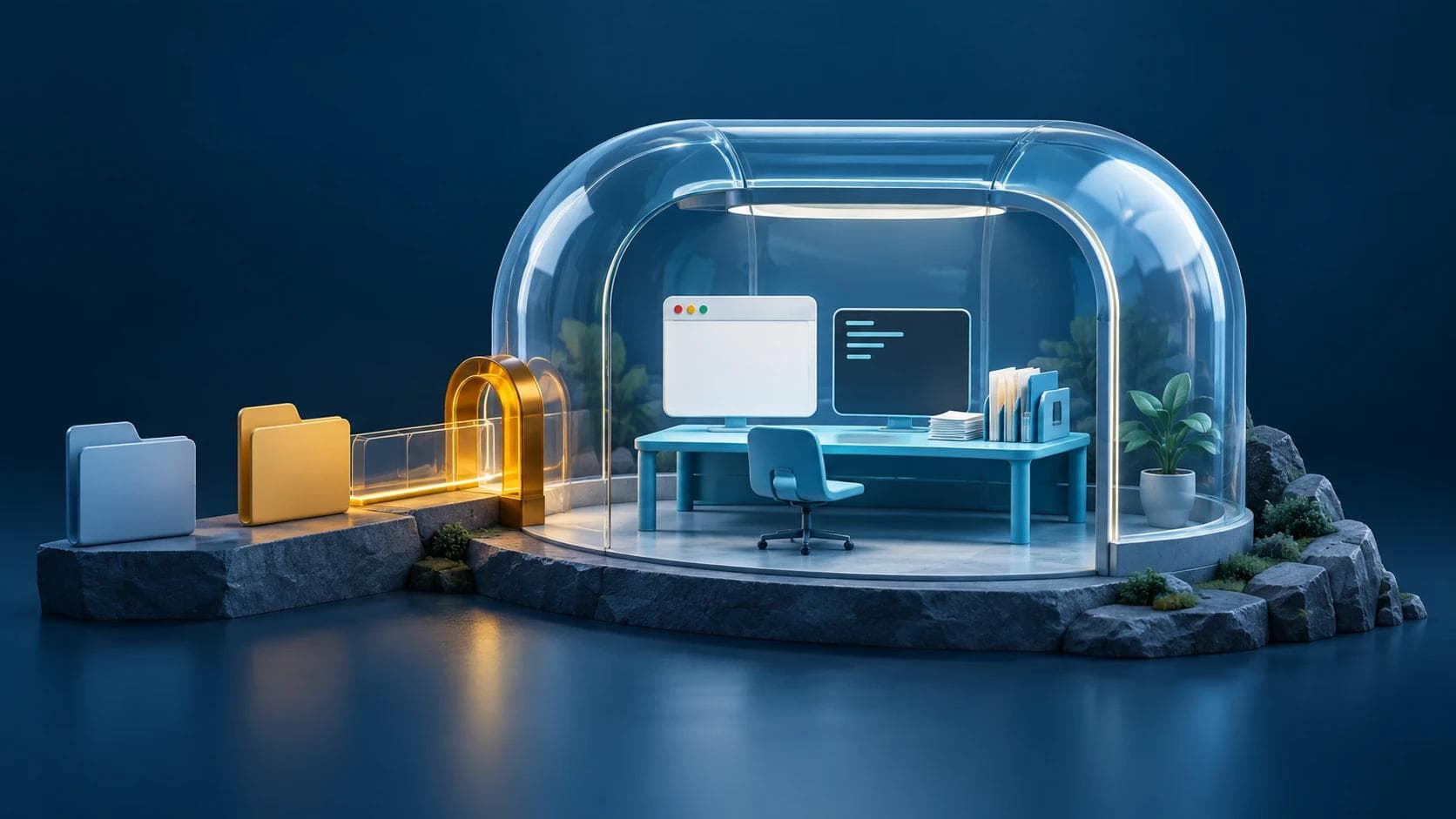
A sandbox in DeerFlow is an isolated environment for running commands and editing files safely, reducing agent access to your host operating system according to configuration.
However, sandboxes are configurable boundaries rather than absolute security guarantees. Sandboxing is also optional and must be enabled in config.yaml to take effect. Security depends heavily on granted permissions; giving an agent broad write access or unrestricted bash privileges introduces risks. Always review config.yaml to restrict access to what each task requires.
Comparing Deployment Modes and Resource Requirements
The resource figures below represent documented operational starting points rather than rigid minimums:
Scroll horizontally to see all columns
| Deployment Target | Documented Path | Starting Point | Recommended | Notes |
|---|---|---|---|---|
| Local Evaluation | make dev | 4 vCPU, 8 GB RAM, 20 GB free SSD | 8 vCPU, 16 GB RAM | Good for one developer or light session; 2 vCPU / 4 GB is usually not enough. |
| Containerized Development | make docker-start | 4 vCPU, 8 GB RAM, 25 GB free SSD | 8 vCPU, 16 GB RAM | Headroom for image builds and sandboxes; starts provisioner only if configured. |
| Long-Running Server | make up | 8 vCPU, 16 GB RAM, 40 GB free SSD | 16 vCPU, 32 GB RAM | Preferred for shared use, multi-agent runs, heavier sandboxes, and reports. |
Practical Task: Two-Document Comparison Report
To test multi-agent workflows on a concrete problem, assign DeerFlow to compare two technical specifications or policy revisions.
Task Execution Procedure
- Place both target documents in an accessible workspace directory.
- Instruct the lead agent to plan the comparison and assign two sub-agents to analyze each document independently.
- Direct the lead agent to synthesize findings into a unified comparison document.
Acceptance Criteria
- Strict Grounding: Every comparison point must come directly from the source texts without external assumptions.
- Side-by-Side Matrix: Key terms, specifications, and constraints must appear in a clean Markdown table.
- Explicit Discrepancy Tracking: Any conflicting requirements or terms must be highlighted in a dedicated section.
- Structured Deliverable: The final output must use clear Markdown formatting with descriptive headings and bullet points.
Related Articles
View all articles →
8 AI Coding Agent Tools for Verification, Efficiency, and UI
A technical guide to eight developer tools for coding agents, covering runtime verification, token reduction, 3D generation, UI skills, and linter rules.
Coordinating AI Agents with Paperclip: A Practical Local Setup Guide
Get started with Paperclip locally using Node 24.11+ and npx. Configure a single agent for a bounded task, track spend budgets on localhost:3100, and resolve common registry hurdles.

7 Open-Source macOS Apps to Elevate Productivity and System Control
An editorial deep dive into seven open-source macOS tools for window management, screen recording, and hardware tuning, complete with workflows and compatibility notes.
Want this for your product?
Send a short note about your project. We will review it and explain the next useful step.
Contact Our Team