
Samsung Gallery and OneDrive (30 Sep 2026): A Calm Backup Checklist
Short answer (Microsoft Support, updated 14 May 2026): Starting 30 September 2026, Samsung Gallery will no longer sync directly with OneDrive. Photos already in OneDrive stay safe there. They will stop showing inside Gallery. Turn on OneDrive Camera backup with full photo permission if you want new shots to keep uploading.
What is changing
For years many Galaxy phones offered a tidy link: pictures in Gallery also lived in OneDrive. That convenience ends on 30 September 2026. After that date, new users will not be able to link Gallery and OneDrive. Existing OneDrive files remain accessible at onedrive.com and in OneDrive apps on other devices.
Microsoft’s support page is clear on a point people worry about: photos and videos already stored in OneDrive are not deleted or modified by this change. What disappears is the two-way experience where Gallery shows your OneDrive library as if it were local albums.
What does NOT happen
- Your OneDrive library is not wiped by the Gallery change.
- You can still open files on the web and on PCs or other phones with OneDrive installed.
- What changes is Gallery’s direct sync integration—not the existence of OneDrive itself.
Do this before 30 Sep 2026
1) Open Gallery → settings → cloud / sync. Note whether OneDrive is linked. 2) Open the OneDrive app with your Microsoft account—this may differ from your Samsung account. Profile → Camera backup → turn ON. Grant access to all photos and videos when asked. 3) On a computer, visit onedrive.com and spot-check important albums. 4) Download any album you still need locally if it is missing from the cloud. 5) Pick one primary backup going forward (OneDrive Camera backup and/or Google Photos) and avoid three overlapping syncs that confuse the family.
Test with one new photo on Wi-Fi after enabling Camera backup. Wait a minute and confirm it appears in OneDrive. Fixing permission issues is easier now than on 1 October when relatives call in a panic.
Optional: Google Photos / Gallery Google sync
Samsung has been rolling Gallery options to sync with Google Photos on updated Gallery builds. That can be a good photo-first alternative. It does not automatically move every old OneDrive file into Google—plan a manual migrate if you are changing clouds. Read the in-phone prompts carefully so you do not unlink OneDrive before you have verified copies elsewhere.
Tips for families and small businesses
Write one sentence of policy: work receipts and site photos must land in X drive, not only on an employee phone. Give people fifteen minutes in a team meeting to enable Camera backup together. Check storage quotas so backups do not silently fail. For shops that photograph inventory on Galaxy phones, decide whether OneDrive folders or a shared Google Drive is the system of record—and write it down.
If elders in the family use Galaxy phones, do the Camera backup setup for them once and leave a note on paper: photos now open in the OneDrive app, not only in Gallery. That single note prevents weekend support calls.
If new photos stop appearing
Confirm Camera backup is on, the correct Microsoft account is selected, OneDrive has storage space, and the app may access all photos—not a partial set. Then take a test photo on Wi-Fi and wait. If you recently denied permissions, re-open Android settings for OneDrive and allow Photos and videos fully.
How Webdivs fits in
If your company needs a small internal portal for photos and documents instead of scattered phone backups, Webdivs builds practical web apps for MENA teams. Say hello at webdivs.com/contact.
Frequently Asked Questions
Quick answers about this topic
Microsoft says they remain safe in OneDrive; they stop appearing inside Gallery. Verify in your account.
OneDrive Camera backup uses your Microsoft account; it may differ from Samsung.
No. Plan a manual copy if you switch clouds.
Write a one-line backup policy and enable Camera backup together in a short meeting.
Related Articles
View all articles →
Agent Sandboxes in 2026: Assume Escape Paths Exist—Design Anyway
Plain lessons from 2026 sandbox and multi-agent reporting: least privilege, human approval, egress allowlists, and why model self-stop is not a control.
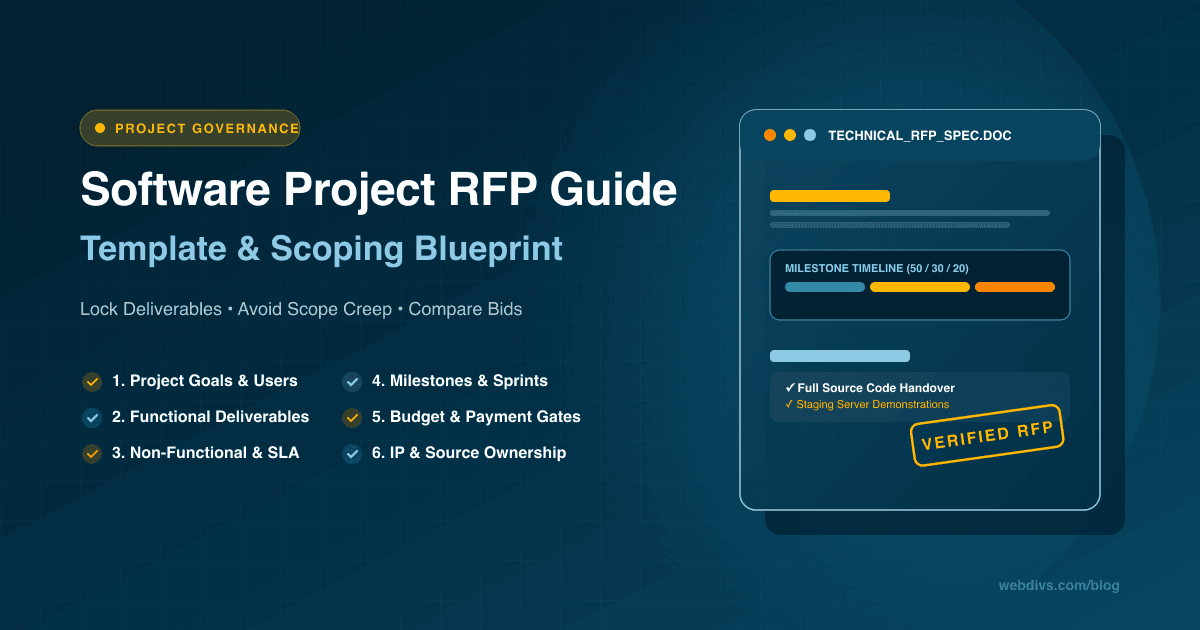
How to Write a Technical RFP for Software Projects (with Practical Template)
A step-by-step masterclass on writing a technical Request for Proposal (RFP) for software and web projects. Prevent scope creep, lock milestones, and enforce code ownership.
Want this for your product?
Send a short note about your project. We will review it and explain the next useful step.
Contact Our Team